Procedures for Uploading Media
The procedures for uploading media will be as follows:
- Fill out the form to select a media coordinator for your sport. This can be a student, coach, or other volunteer faculty. This person will be responsible for capturing your photos and video.
- Check the Comet Coalition drive.
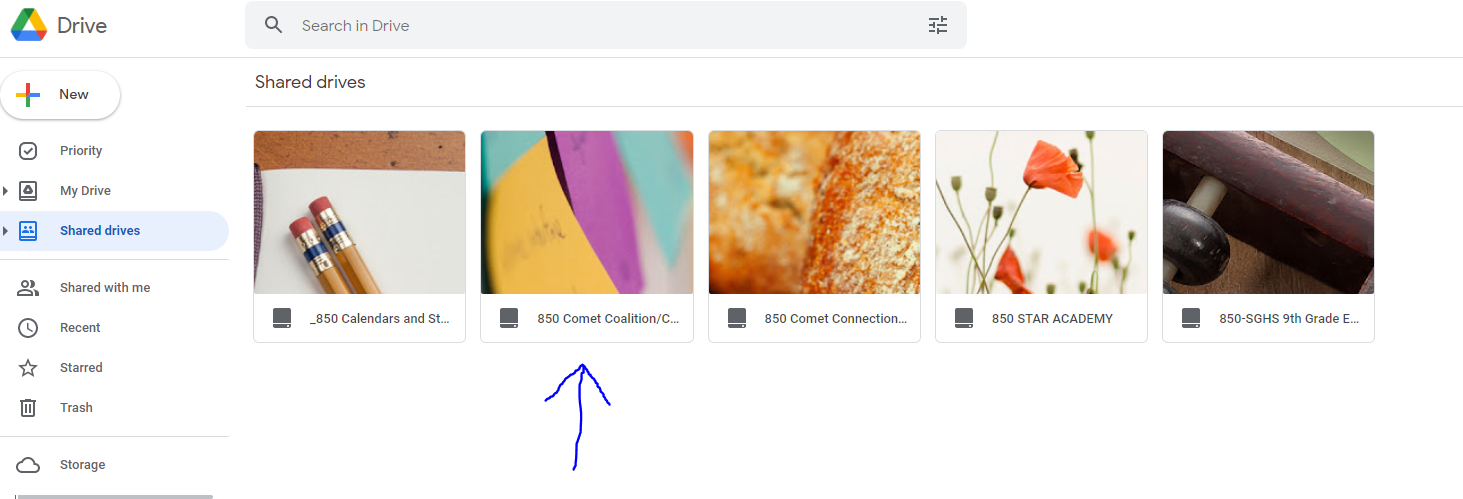
- Click Sports Photos/Vids.
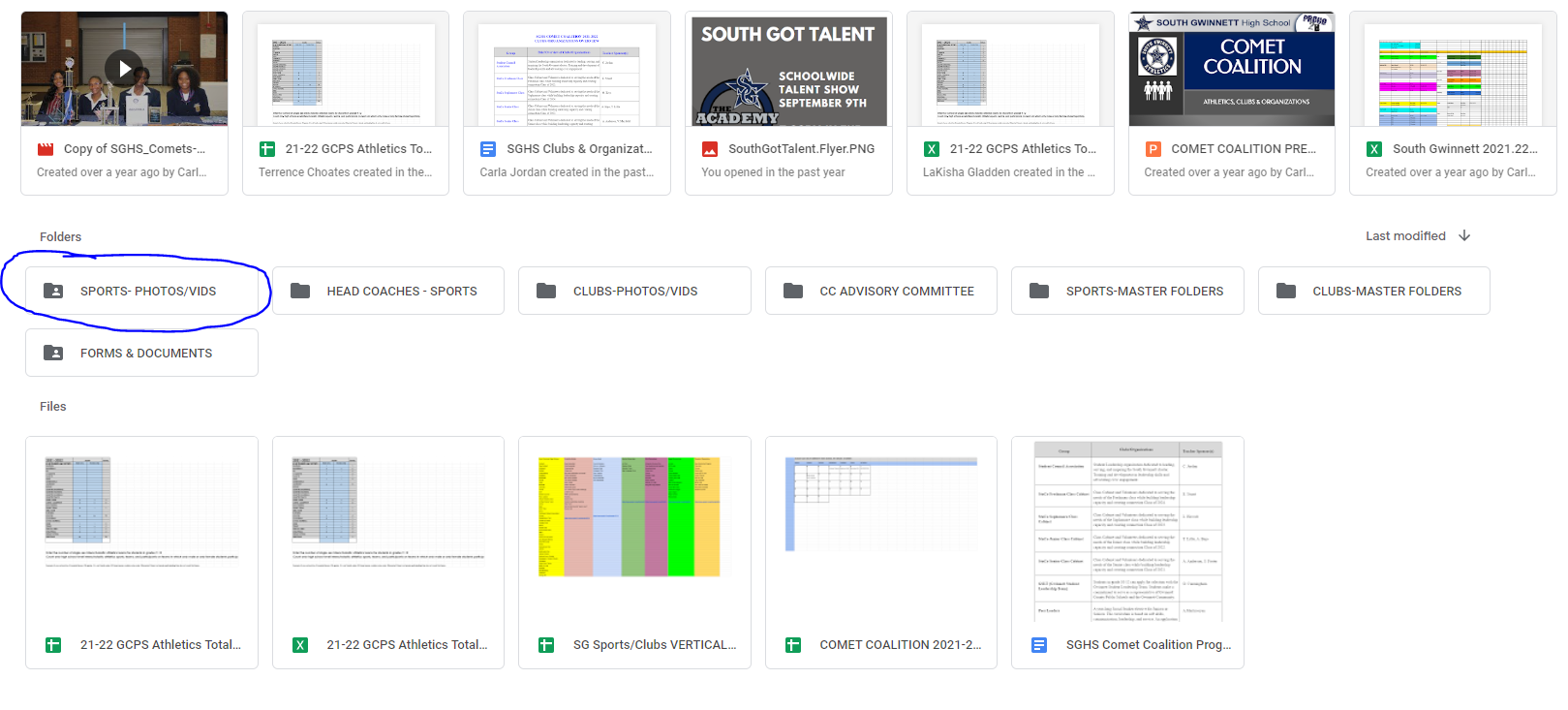
- Find your specific sport. If you have a sport that is played by both boys and girls, then you will have a specific folder for that team.

- If the media was taken on a camera, have the content uploaded directly from the SD card to your specific folder.
- Add titles to photos with important information such as date, player name, or other info you believe to be important.